
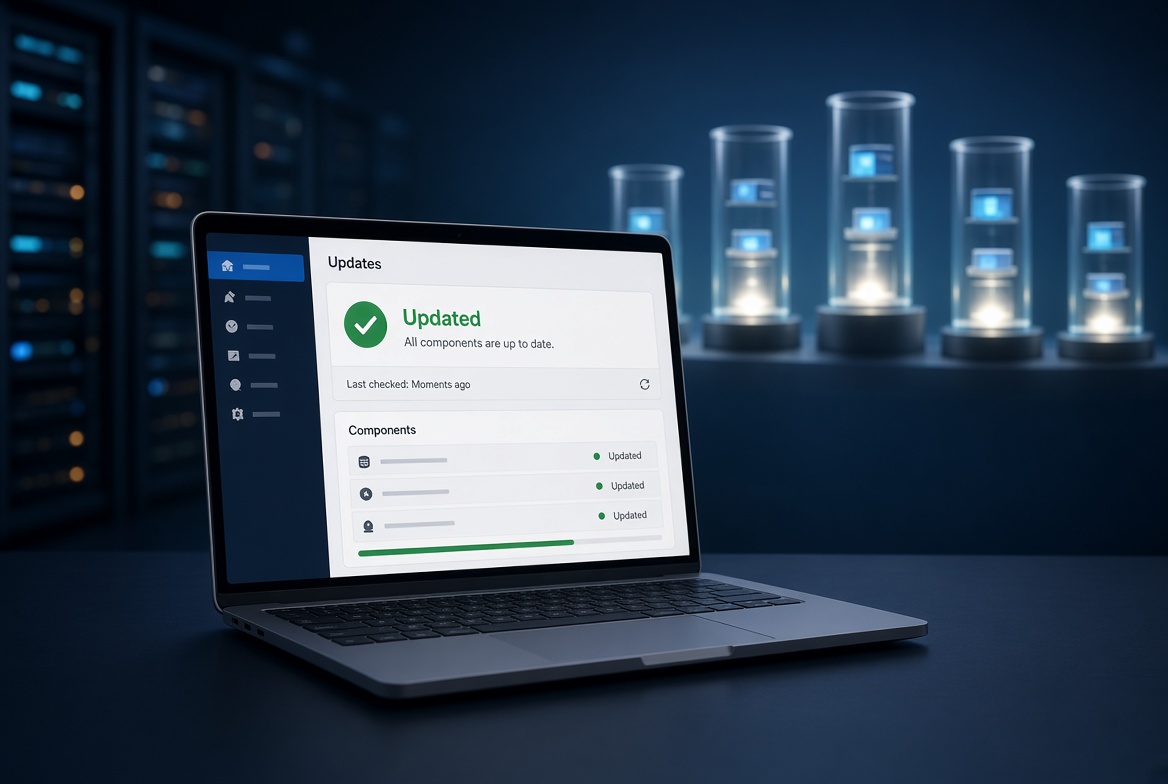
WordPress 7.1.1 landed on 17 September 2026. It is a security release. The project shipped 11 security fixes along with core and editor bug fixes, and it recommends that every site on the 7.1 line update immediately.
If your site still runs an older branch, you are not on the maintained 7.1 series. Plan the jump. Only the current 7.1 release is the one WordPress treats as safe to run.
What to do
- Sign in to your Get Simple account.
- Open the hosting panel for your WordPress site.
- Take a fresh copy of the site if you have not backed up this week. Off-host backups already run on Get Simple accounts.
- Sign in to WordPress.
- Open Dashboard → Updates.
- Update WordPress to 7.1.1.
- Update any plugins and themes that show a newer version.
- Visit the front of the site and one admin screen to confirm they load as expected.
If the site looks wrong after the update, restore that copy. Do not keep running an unpatched core “until next month.”
Isolation is the other half of the fix
A WordPress update closes holes in your site. It does not fix the account sitting next to you on a crowded shared server.
That is why we left traditional shared hosting. Each site at Get Simple runs in its own container, on NVMe, behind LiteSpeed. A plugin hole on someone else’s site does not inherit your files, your PHP workers, or your database. Your neighbor’s malware is their problem.
We moved entire off cPanel in 2024 precisely to give our customers this isolation model. The security release this week is a reminder of why that split matters.
After you update
- Turn on two-factor authentication for WordPress admin users.
- Remove plugins and themes you do not use.
- Keep auto-updates on for minor WordPress releases if your workflow allows it.
- If PHP looks stuck after a plugin update, restart PHP for that site in the hosting panel. Only that site goes briefly offline.
New to Get Simple? Sign up to get started.